







GODOX TT685 instruction manual English: The guide for your flash photography
Photography can sometimes be a real challenge, especially when it comes to the right lighting. This is where the GODOX TT685 comes into play! This powerful flash unit is a real must-have not only for professionals, but also for ambitious amateur photographers. If you've just started working with the GODOX TT685 or simply want to make sure you're making the most of all its functions, you've come to the right place. This comprehensive GODOX TT685 instruction manual will tell you everything you need to know. Let's get started!
What is the GODOX TT685?
An overview
The GODOX TT685 is a versatile, powerful flash that can be used both on-camera and off-camera. Whether in studio shoots or outdoor sessions, this flash delivers consistently high-quality results. The unit is compatible with a wide range of camera brands, including Canon, Nikon, Sony, and more. With a built-in 2.4G radio system, high-speed synchronization and easy operation, the Godox TT685 offers numerous ways to take your photography to the next level.
Getting started with the GODOX TT685
Scope of delivery and accessories
- GODOX TT685 flash unit
- Flash stand - Protective bag
- Operating instructions (usually in several languages, English / Chinese), the English instructions can be found for download linked to the respective flash.
- Mini USB cable for firmware updates
GODOX TT658 Modelle

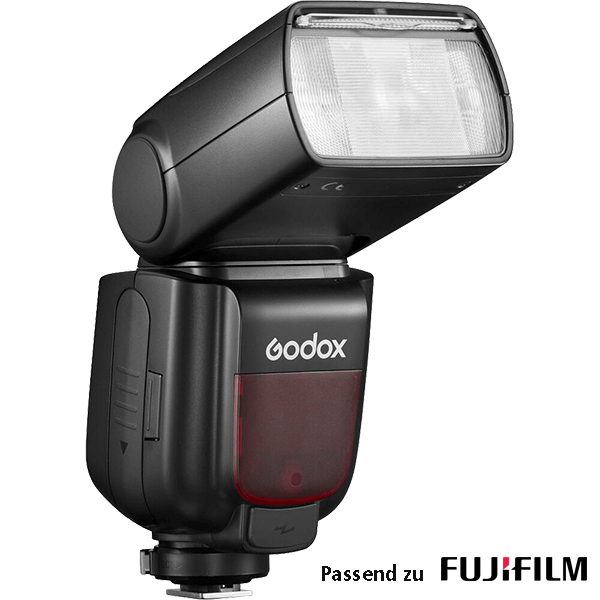
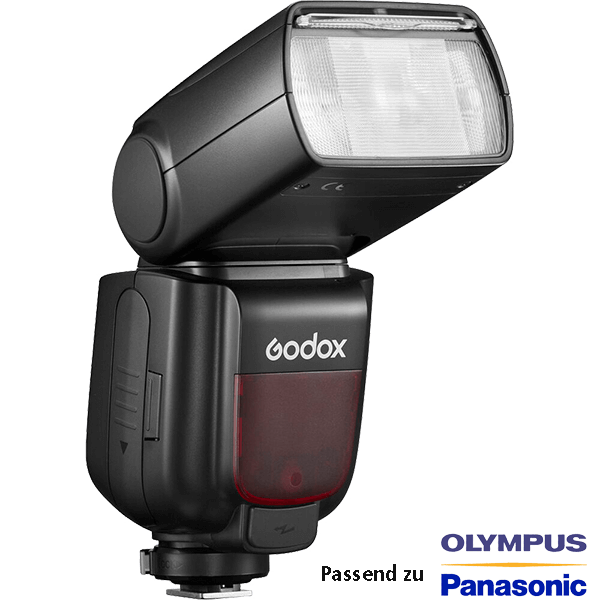
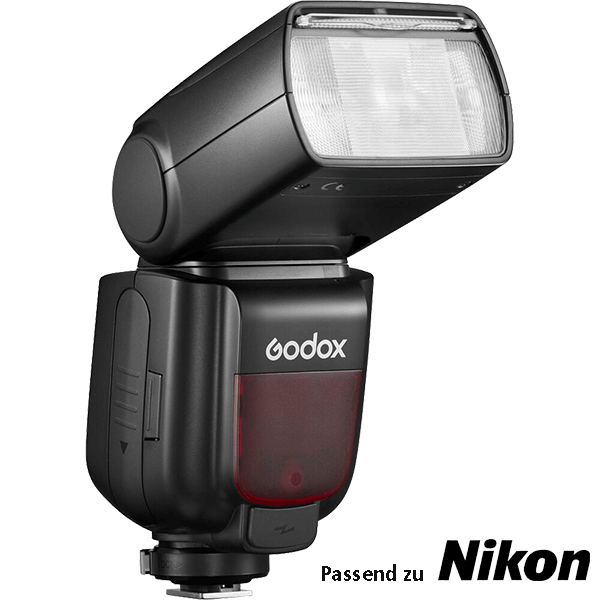
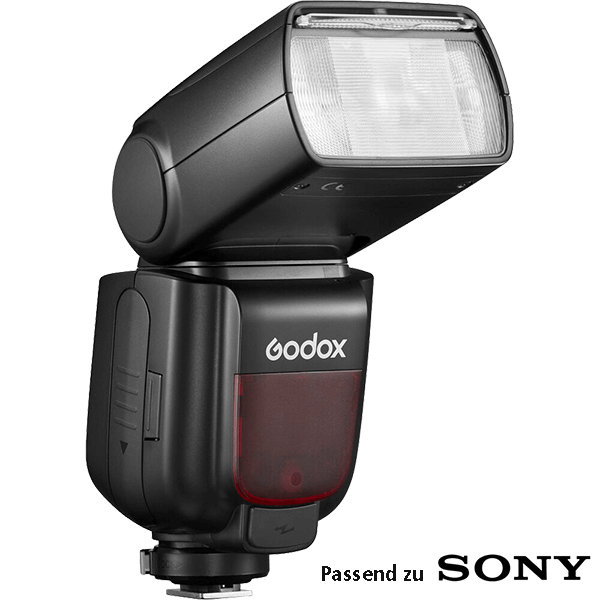
Inserting the battery and switching on the flash
The first step is, of course, to insert the battery. The TT685 uses four AA batteries, which you simply insert into the battery compartment on the back of the device. Make sure that the batteries are inserted correctly, otherwise the flash will not work.
Now it's time to switch on the flash. Turn the switch to “ON” and wait a few seconds. The display will light up and you are ready to start setting up.
Setting up and operating the GODOX TT685
Overview of the display and buttons
The display of the GODOX TT685 may seem intimidating at first glance, but don't worry, we'll explain everything step by step. The main components are:
- Mode button: Switches between the different flash modes (TTL, M, Multi)
- Zoom button: Adjusts the flash zoom according to your lens focal length
- HSS button: Activates high-speed synchronization for faster shutter speeds
- Test button: For testing the flash and checking the exposure
Operation is largely via the direction buttons (arrow buttons) and the central selection dial, which you can use to navigate through the menus.
TTL mode: Automatic flash control
The TTL (Through-The-Lens) mode is particularly helpful for beginners, as the flash automatically calculates the optimum amount of light based on the information it receives from the camera. Here's a quick overview of how to activate TTL mode:
- Press the mode button until “TTL” appears on the display.
- Use the direction buttons to adjust the flash exposure compensation (FEC) if necessary.
- Aim the camera at your subject and press the shutter button. The flash automatically adjusts to ensure a balanced exposure.
Manual mode: For full control
For those who want to have full control over their lighting, manual mode is just the thing. In manual mode, you determine the flash output and zoom yourself. Here's how to do it:
- Press the mode button until “M” appears on the display.
- Use the selection dial to adjust the flash output in steps of 1/3 or 1/1.
- Adjust the zoom manually by pressing the zoom button and selecting the desired focal length.
Multi mode: Creative lighting design
Multi mode (strobe) allows you to fire multiple flashes in quick succession to create impressive motion shots. Here's a quick guide:
- Press the mode button until “Multi” appears.
- Set the number of flashes (Hz) and the frequency (Times).
- Test your settings to make sure you achieve the desired effect.
Tips and tricks for the GODOX TT685
High Speed Sync: Freeze fast movements
High Speed Sync (HSS) is one of the most impressive features of the GODOX TT685. It allows you to take photos with shutter speeds that are faster than the camera's normal sync speed. How to use HSS:
- Press the HSS button on your flash.
- Select a shutter speed that is faster than your camera's sync speed (usually 1/200 or 1/250).
- Shoot as usual and watch as even fast movements are frozen in focus!
Group control: control multiple flashes simultaneously
Another handy feature of the GODOX TT685 is the ability to control multiple flashes simultaneously. This is particularly useful when you are working in a more complex setup, such as a portrait shoot in the studio.
- Select “master” mode on the flash you are mounting on the camera.
- Set the other flashes to “slave” mode.
- Use the group button to control different groups (A, B, C) and set different flash powers for each group.
Firmware updates: keeping your GODOX TT685 up to date
It is important to keep your flash unit up to date to benefit from all new features and improvements. How to perform a firmware update:
- Download the latest firmware from the GODOX website.
- Connect the flash to your computer via the mini-USB cable.
- Start the update program and follow the instructions on the screen.
Frequently asked questions (FAQ)
1. How long do the batteries in the GODOX TT685 last?
This depends greatly on usage. With normal use, however, you can expect around 200-300 flashes before the batteries need to be replaced.
2. Can I also use the GODOX TT685 as a master flash?
Yes, the TT685 can be used as both a master and slave flash. You can use it to control other flashes or be controlled by another flash.
3. How can I reset the flash?
To reset the flash to the factory settings, press and hold the “Mode” and “Test” buttons simultaneously until the display flashes and the flash restarts.
4. What is the difference between TTL and manual mode?
In TTL mode, the flash automatically calculates the amount of light required, while in manual mode you have control over the flash output and zoom.
Conclusion
The GODOX TT685 is an indispensable tool for any photographer who wants to take their flash photography to the next level. With its numerous functions and customization options, you can get creative and adapt your photography to your own needs. This GODOX TT685 English user manual is designed to help you master all the functions and tricks of the flash. So, grab your camera and your TT685 and start experimenting! Have fun and good luck with your photography!