
ND filters in landscape photography: your path to perfect shots
Landscape photography can be incredibly fascinating and rewarding. It allows you to capture nature in all its beauty and diversity. However, sometimes you come up against technical limitations, especially when it comes to light conditions. This is where the ND filter comes into play – an essential tool for many landscape photographers. In this blog, you will learn everything about how to use ND filters in landscape photography, how they work, and how you can best use them in the Swiss landscape.
What is an ND filter?
Introduction to the ND filter
The term “ND” stands for “Neutral Density”. An ND filter is a filter that is placed in front of your camera lens to reduce the amount of incoming light. It darkens the image without changing the colors or contrast. This allows you to work with longer exposure times even in bright light conditions without your image being overexposed.
Why use an ND filter?
In landscape photography, you will often encounter scenes with plenty of light, whether it's the glaring sun over the Alps or the reflection on the surface of a mountain lake. Without an ND filter, you may struggle to work with longer exposure times in these situations, as your images would quickly be overexposed. The ND filter solves this issue and opens up a world of creative possibilities.
Types of ND filters
Different strengths
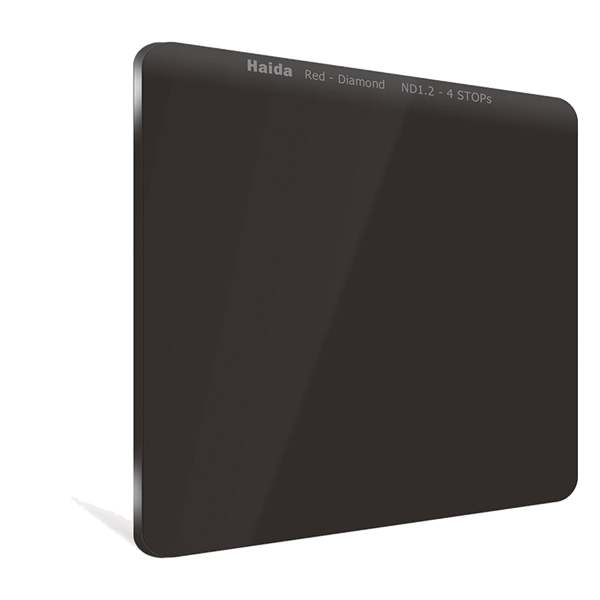
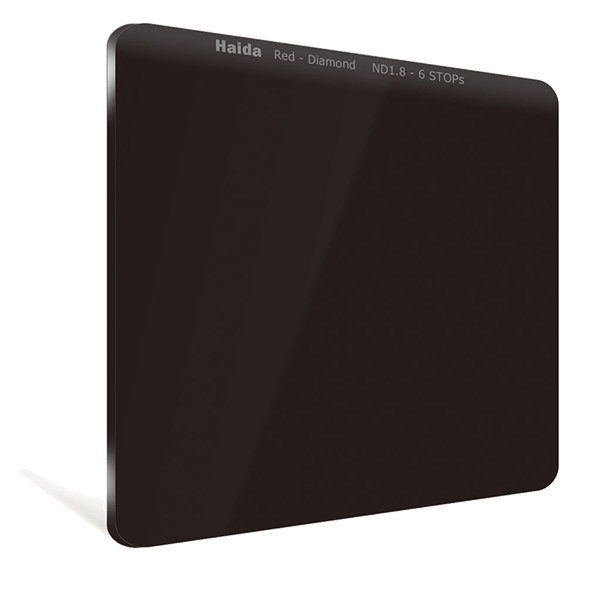
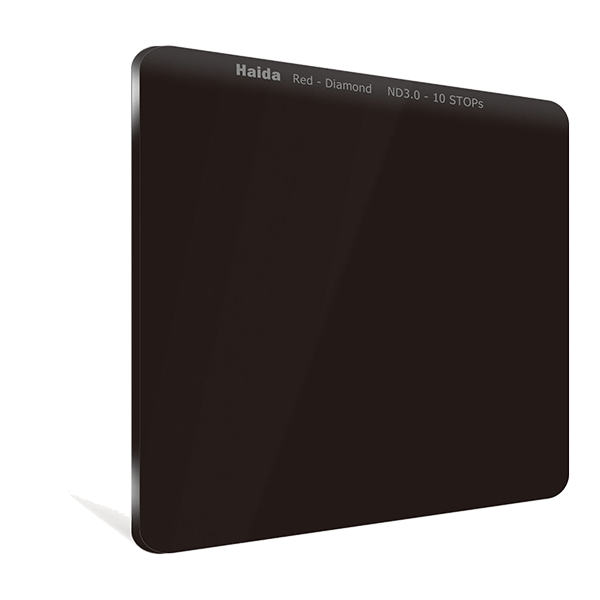
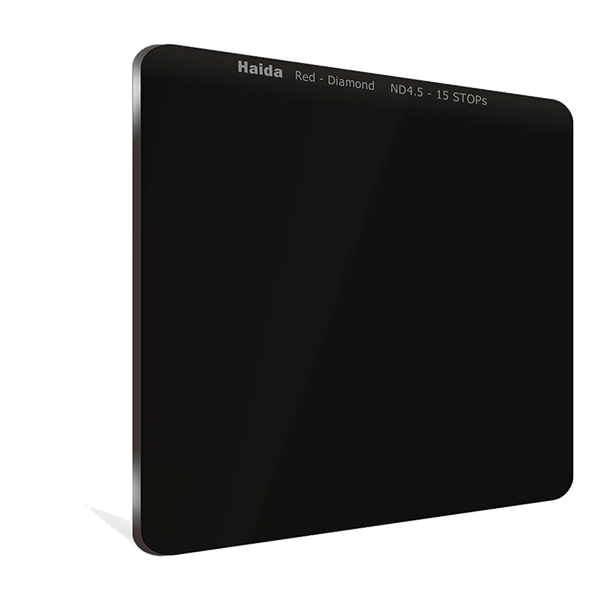
ND filters are available in different strengths, which are usually indicated in so-called “stops”. An ND filter with one stop reduces the incoming light by half, while an ND filter with two stops reduces the light by 75%, and so on. The most common filter strengths are ND8 (3 stops), ND64 (6 stops) and ND1000 (10 stops). Each of these strengths has its own specific uses, depending on the effects you want to achieve.
ND8 (3 stops): Well suited for slight reductions in light when you want to extend the exposure time a little without drastically changing the scene. -
ND64 (6 stops): This filter is ideal if you want to blur water, for example, a waterfall or a river.
ND1000 (10 stops): A strong ND filter that allows you to take extremely long exposures even in broad daylight to create stunning effects.
Variable ND filters vs. fixed ND filters
There are two main types of ND filters: fixed and variable. A fixed ND filter has a constant density, while a variable ND filter allows you to adjust the strength of the filter by turning the filter ring. Both types have their pros and cons.
Fixed ND filters: These filters offer better image quality because they have no moving parts and there is no risk of vignetting. However, they are less flexible because you need different filters for different lighting conditions.
Variable ND filters: These offer more flexibility because you can adjust the strength as needed. However, image errors or vignetting can occur at very strong settings.
Types of ND filters
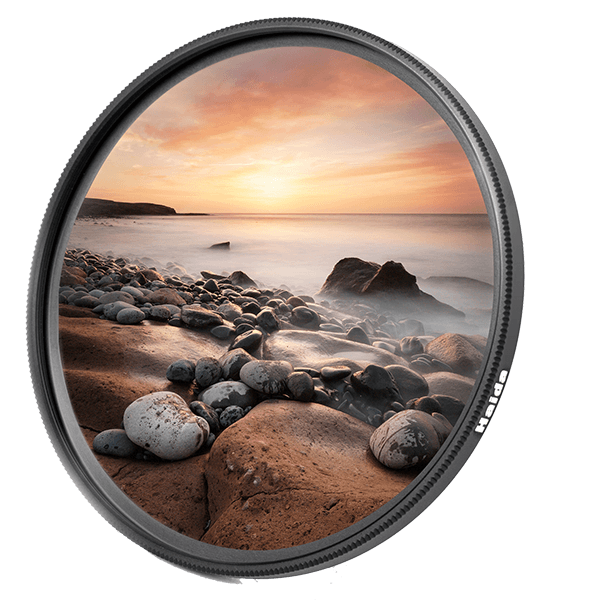
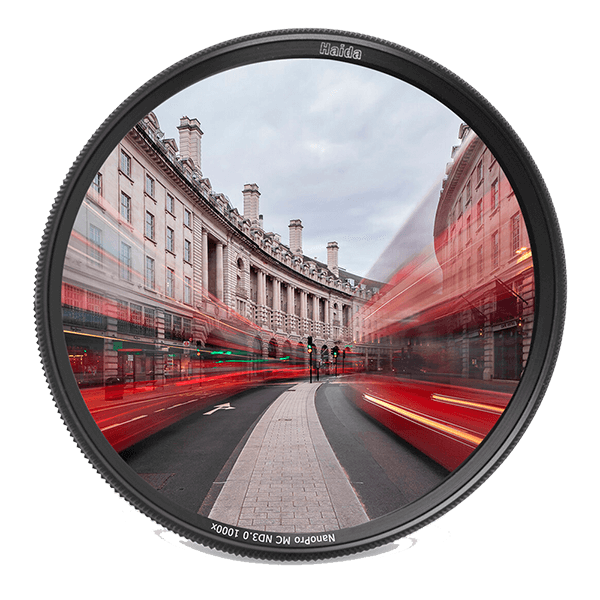
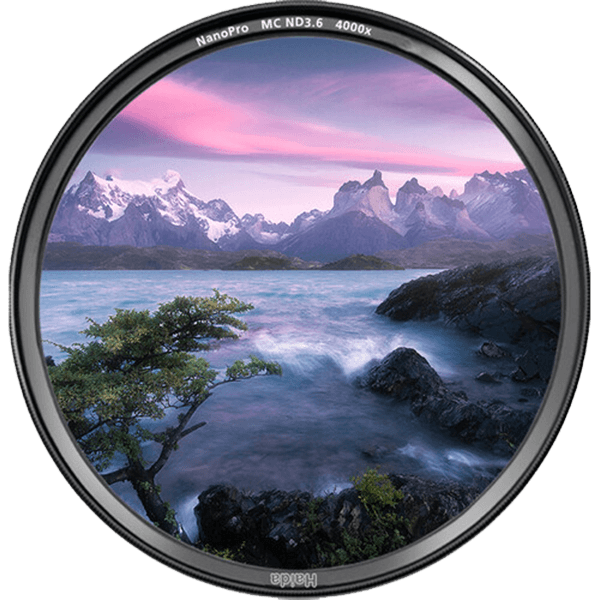
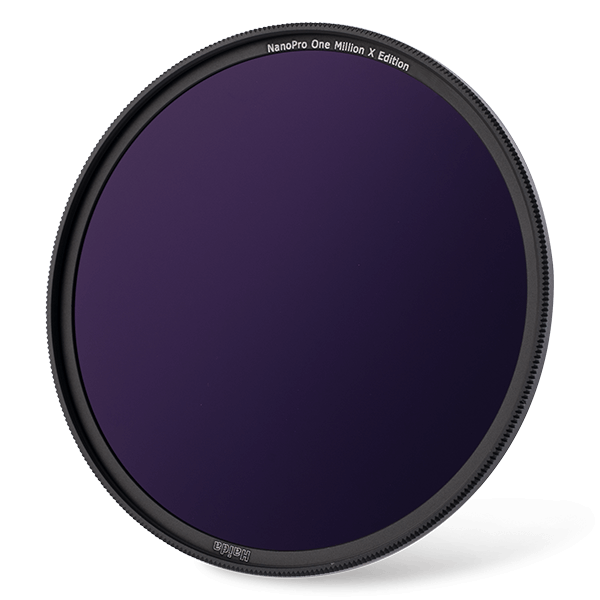
A) Round screw-in ND filters
These are screwed directly onto the lens. They come in different diameters.
Advantages
- Easy to use
- Compact and lightweight
- Inexpensive
Disadvantages
- Only suitable for lenses with the same diameter
- Multiple filters required for different lenses
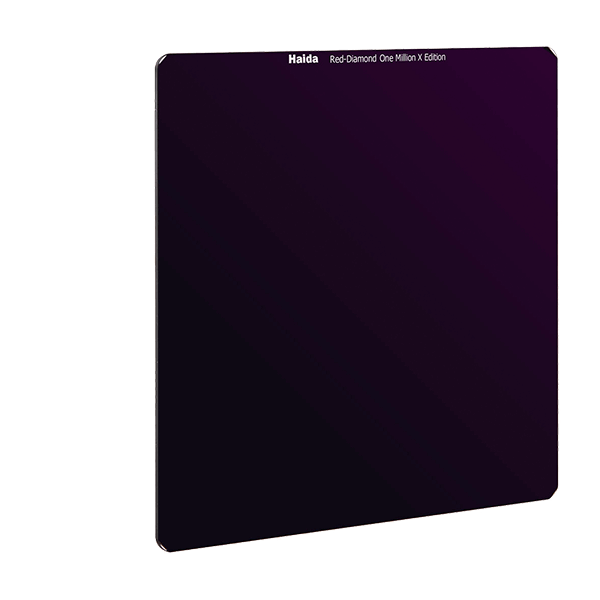
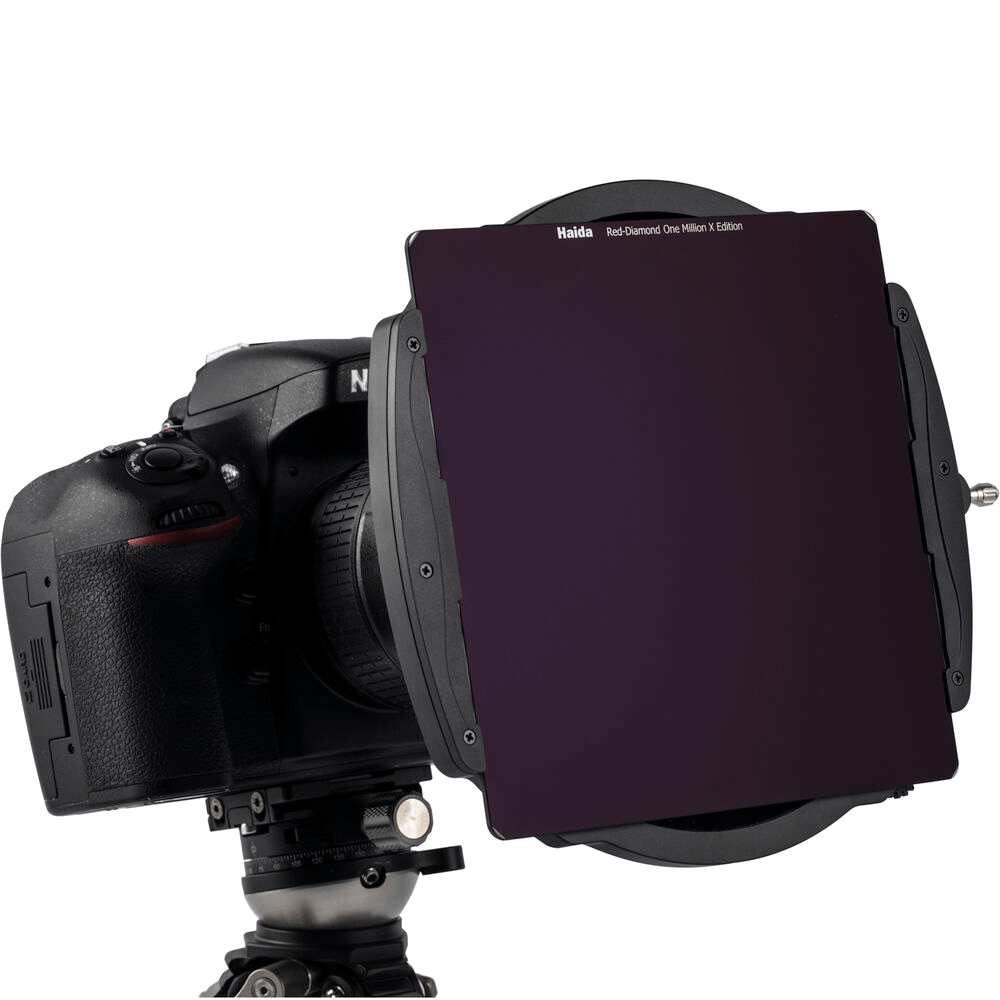
B) Rectangular ND filters with filter holder
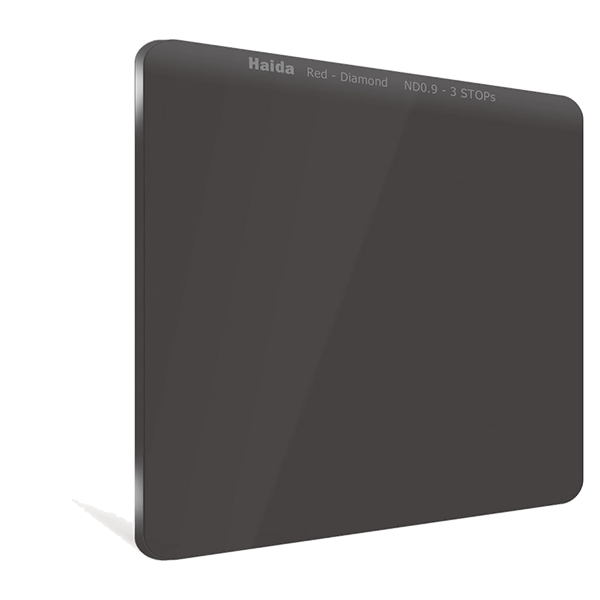
These filters are inserted into a filter holder that is attached to the lens.
Advantages:
- One filter for different lenses
- Can be combined with other filters
Disadvantages:
- More expensive
- Larger when transported
Using ND filters in landscape photography
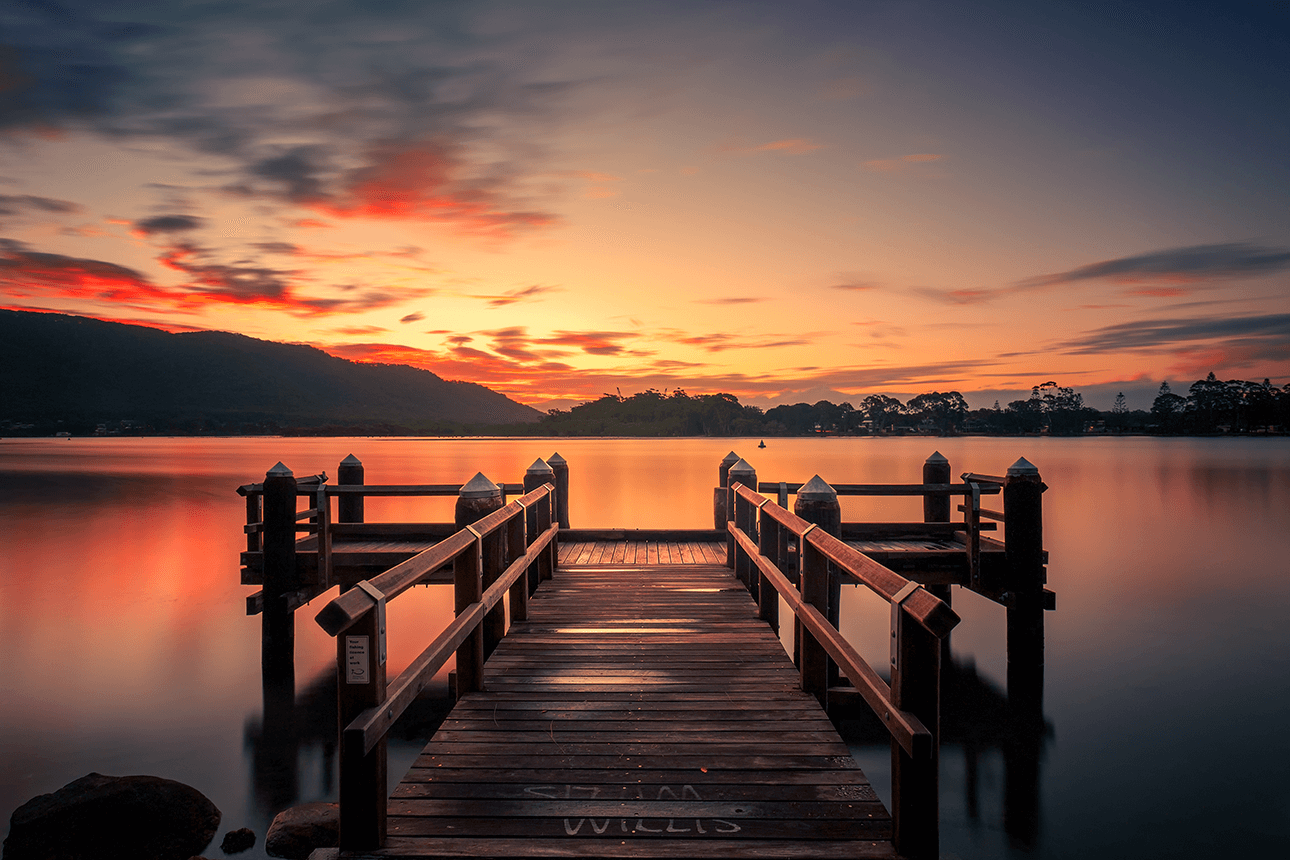
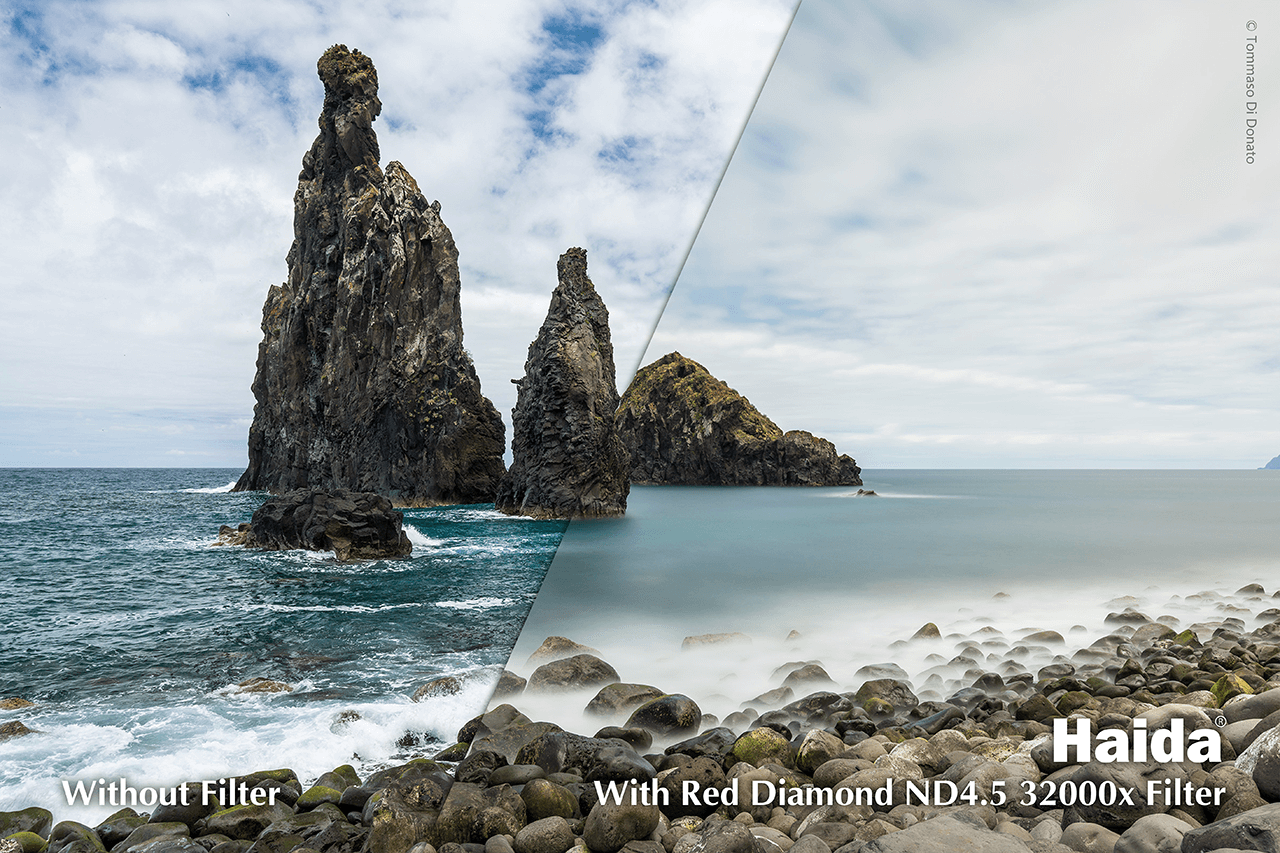
One of the main uses of ND filters in landscape photography is for long exposures. When photographing water, in particular, you can use an ND filter to make the water appear soft and silky. You can also use a longer exposure time to make cloud movements appear smoother and more dynamic. In Switzerland, there are numerous opportunities for long exposures, for example at lakes such as Lake Geneva or at rivers such as the Aare.
Step-by-step guide for long exposures
1. Choose the right ND filter: Depending on the light and how long you want to expose, choose an ND filter between 3 and 10 stops.
2. Camera settings: Set your camera to manual mode. Start with an aperture between f/8 and f/16 to achieve maximum depth of field.
3. Use a tripod: Since you are working with long exposure times, a stable tripod is essential to avoid camera shake.
4. Setting the exposure time: Start with a short exposure time and gradually extend it until you achieve the desired effect.
5. Focusing: Focus before attaching the ND filter, as the dark image may make it difficult for you to adjust the focus after attaching the filter.
Exposing water and sky
The ND filter helps you to find the right balance between water and sky, which is often a challenge, especially in landscape photography. Without a filter, either the sky may be overexposed or the water may appear too dark. With an ND filter, you can use longer exposure times to, for example, soften the movement of the water, while still keeping the sky well exposed.
Creative possibilities through motion blur
With an ND filter, you can create targeted motion blur that gives the image a dynamic and artistic touch. This is particularly useful for scenes with waterfalls, waves or moving clouds. You can also use the ND filter when shooting in cities, for example in Zurich or Bern, to creatively depict the movement of people or cars.
Photographing in daylight
Another advantage of an ND filter is the ability to work with longer exposure times even in bright daylight. Normally, this would be difficult in direct sunlight, as the photos would quickly be overexposed. But with an ND filter, you can create stunning long exposures even at midday when the light is particularly intense.
Challenges of using ND filters
Color shifts
A common problem when using ND filters is color shift. Some filters can produce a slight color cast that can affect the overall impact of the image. In most cases, this can be fixed in post-production by adjusting the white balance settings. However, when purchasing an ND filter, make sure you choose a high-quality model to minimize color shifts.
Focusing with ND filters
As mentioned earlier, focusing can be difficult with an ND filter, especially with stronger filters like the ND1000. Since the image is darkened considerably by the filter, it is often no longer possible to focus using the viewfinder or on the display. One trick is to focus without the filter first and then attach the filter. You can also use autofocus and then deactivate it after focusing before attaching the filter.
Using a remote shutter release
Since you are working with very long exposure times, even pressing the shutter release can cause blurring. Therefore, it is advisable to use a remote shutter release. Alternatively, you can set your camera's self-timer to 2 or 10 seconds to minimize the risk of blurring.
You can find such remote shutter releases in our shop hereScrew-in filters vs. slide-in filter systems
Screw-in filters are screwed directly onto the lens, while slide-in filter systems allow you to place several filters in front of the lens at the same time. Screw-in filters are easier to use and more compact, while slide-in filter systems offer more flexibility, especially if you want to combine several filters (e.g. an ND and a polarizing filter).
ND filters in Swiss landscape photography
Switzerland offers a variety of spectacular landscapes that are just crying out to be captured with an ND filter. Whether it's the majestic mountains of the Alps, the deep valleys or the clear mountain lakes, with an ND filter you can.