
Drop-in Filters for the M10 System
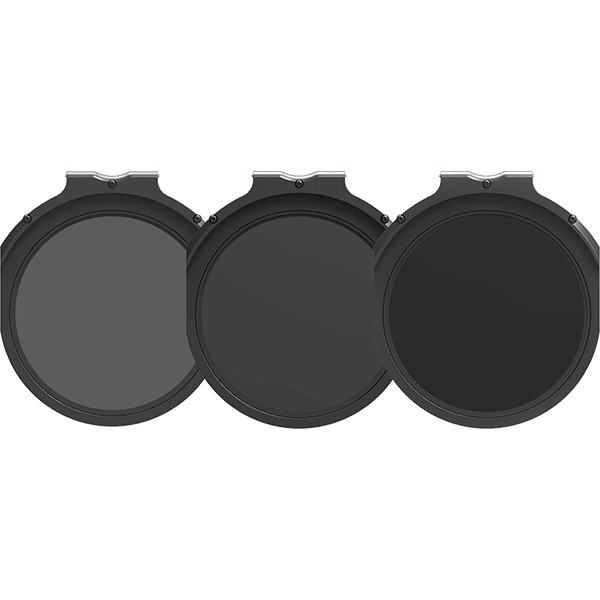
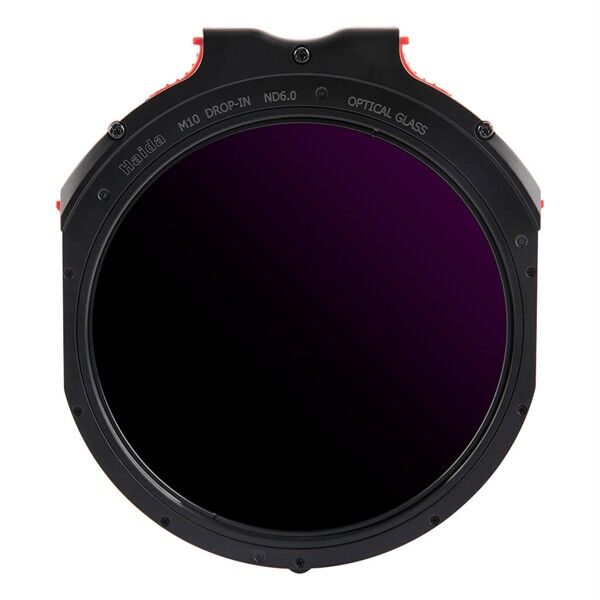
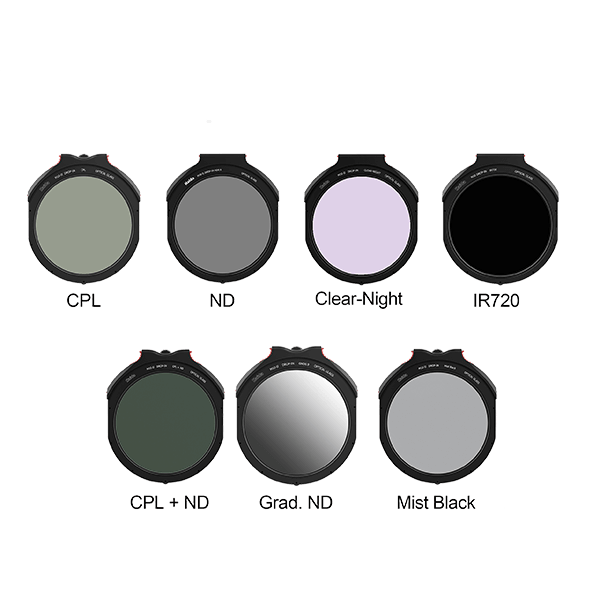
Drop-in filters do not sit in front of the holder, but inside it: They are inserted into the adapter ring from the side, between the lens and the clip-on filter. Here you’ll find the drop-in filters for the Haida M10 and M10-II systems.
Why Use a Filter in the Holder?
Space in front of the lens is limited. Every additional clip-on filter in the holder protrudes forward, and with wide-angle lenses, the stack eventually causes vignetting. A drop-in filter solves this because it disappears into the adapter ring and doesn’t add to the depth.
The Practical Benefits
This is most evident with the polarizing filter. When screwed onto the adapter ring, it can no longer be rotated; as a slip-on filter, it occupies a slot. As a drop-in filter, it sits inside the ring and can be adjusted using a small dial, while graduated and ND filters are mounted in the adapter ring at the front. This allows you to use polarization and graduated filters simultaneously without increasing the overall height of the setup.
System-specific
Drop-in filters only fit into the adapter ring they’re designed for—in this case, M10 and M10-II. Check your filter holder generation before purchasing. You can find the compatible filter holders and rings under Filter Holders and Adapter Rings, and the drop-in filters themselves under Drop-in Filters and Filter Systems.