
Memory Cards and Card Readers
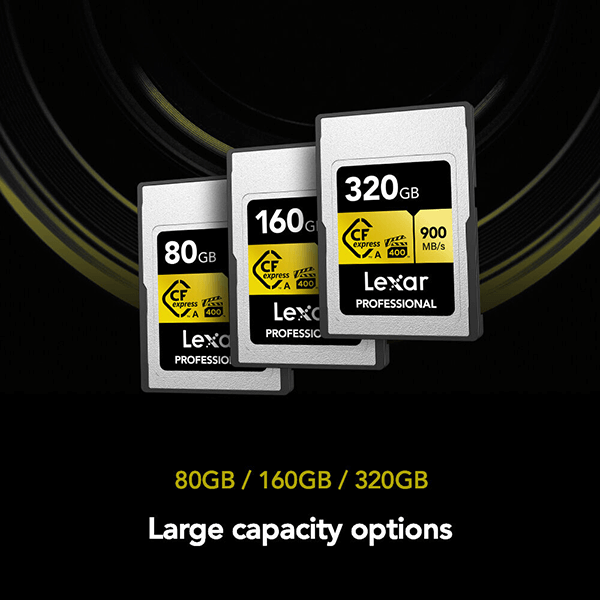
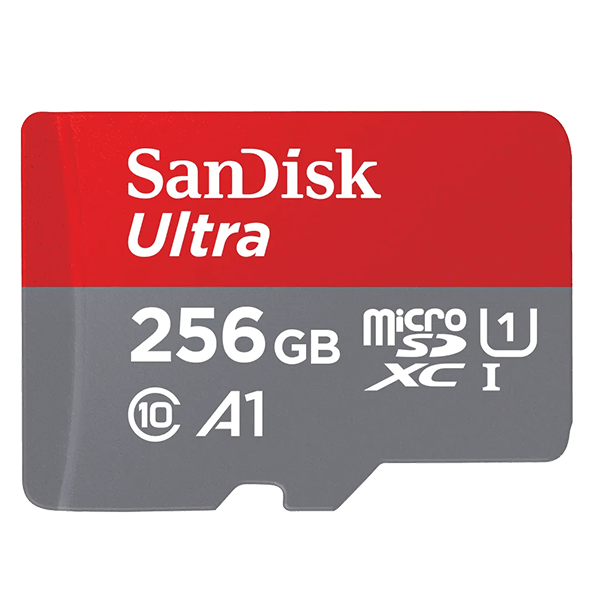
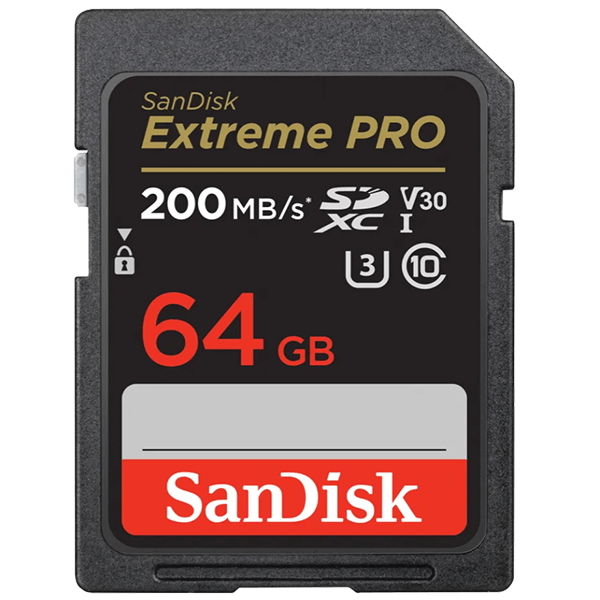
The memory card is the only link in the chain where a failure can ruin everything. Here you'll find SD cards, XQD, and CFexpress in various speed classes, as well as the right card readers for quickly transferring data to your computer.
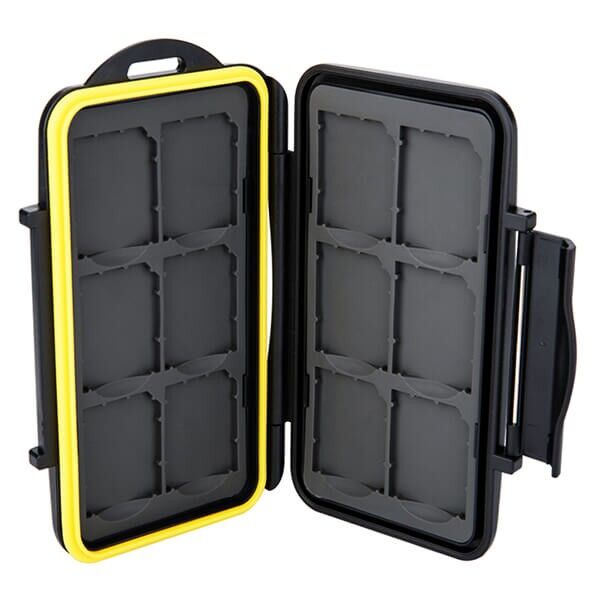
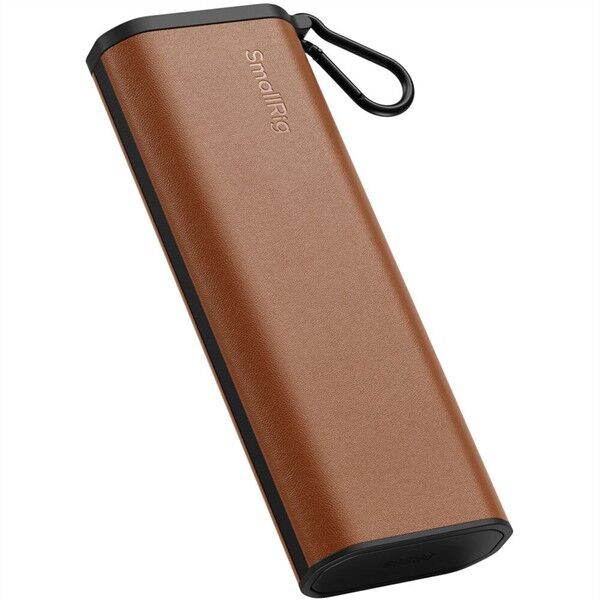
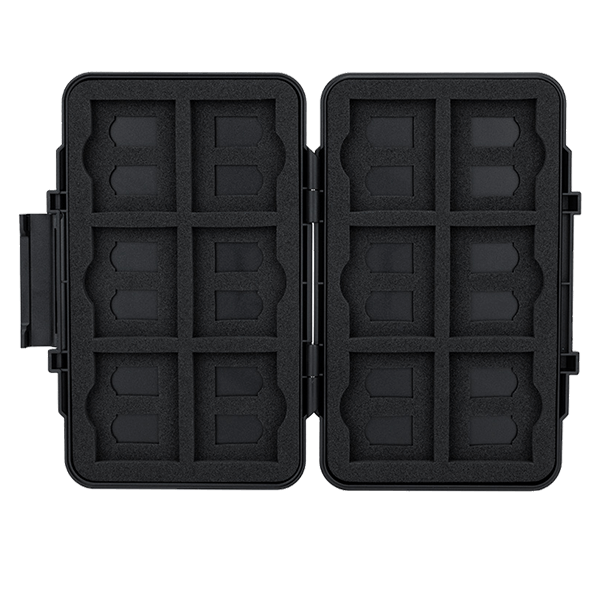
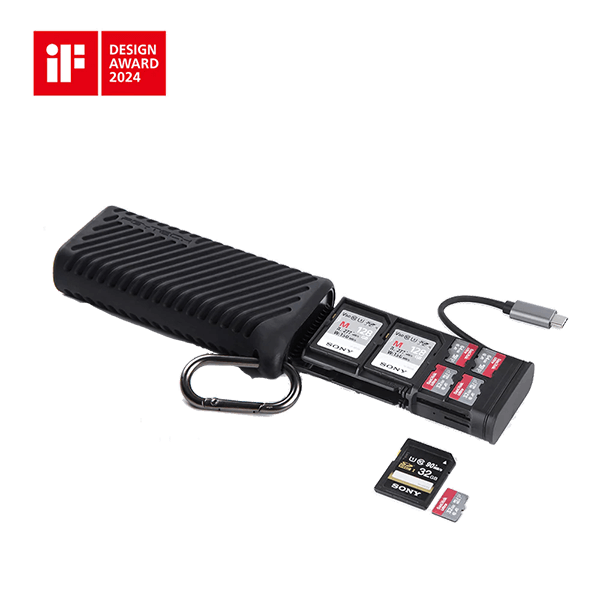
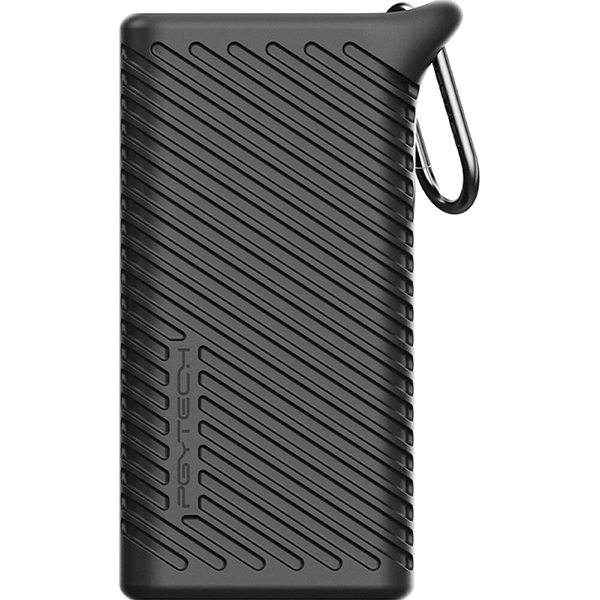
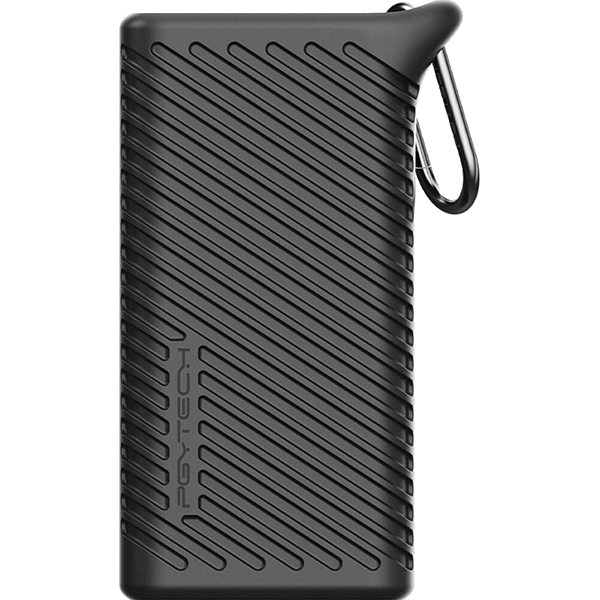
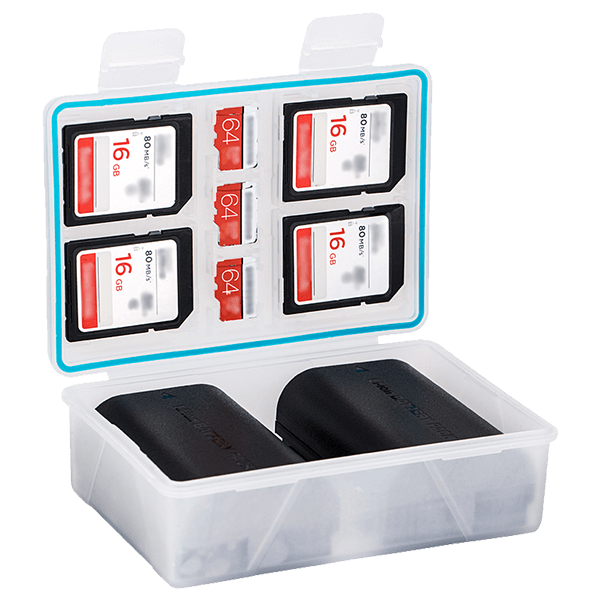
Finding the Right Card
First, the card type must be compatible with the camera; this is specified in the manual and is non-negotiable. After that, speed is the deciding factor.
Pay Attention to the Write Speed, Not the Marketing Claims
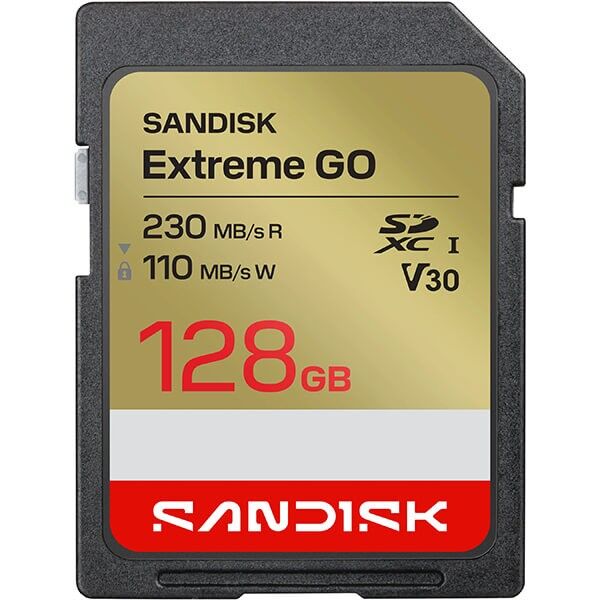
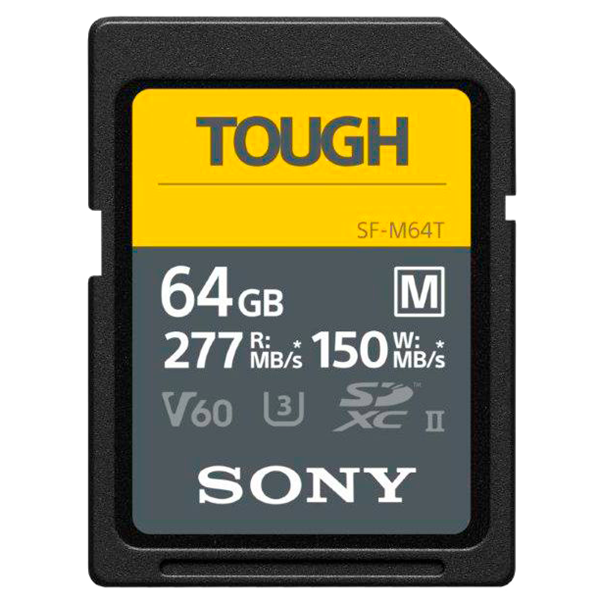
The packaging usually lists the maximum read speed because it’s higher. But what matters to you is the guaranteed write speed, because it determines how long the camera can keep up during a burst and whether a video recording will cut out. The reliable specifications are the classes: V30 guarantees 30 MB/s and is sufficient for 4K; V60 and V90 are designed for high bitrates and 6K and above. With UHS-II, a second row of contacts on the back is also required, and the camera must support it—otherwise, the card will only operate at UHS-I speeds.
Better to have several small cards than one large one
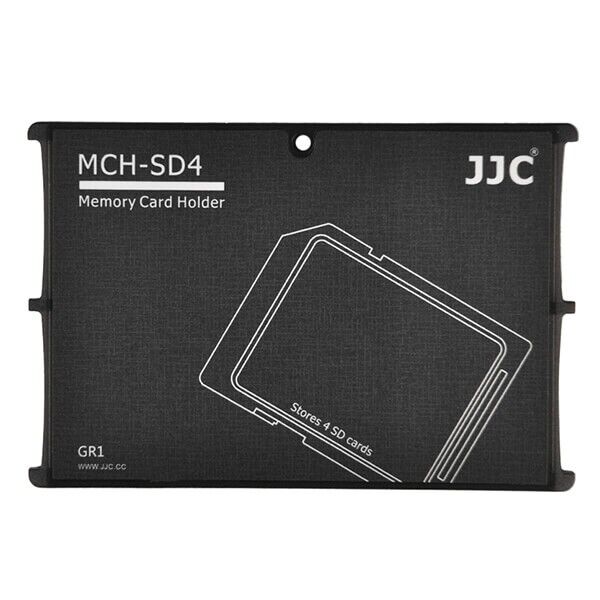
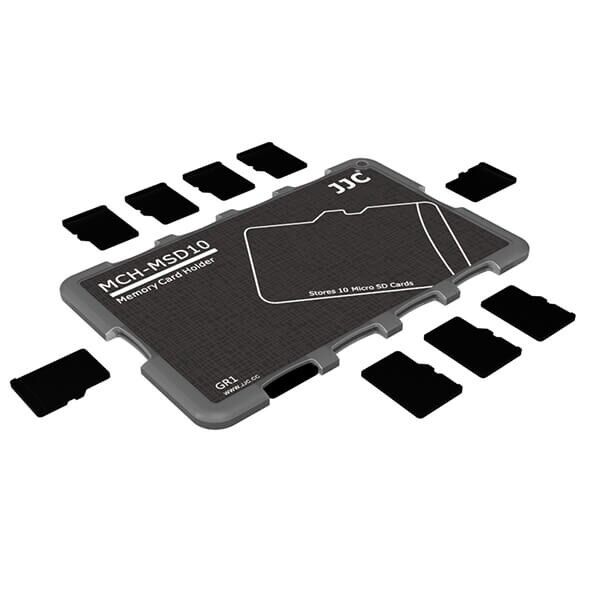
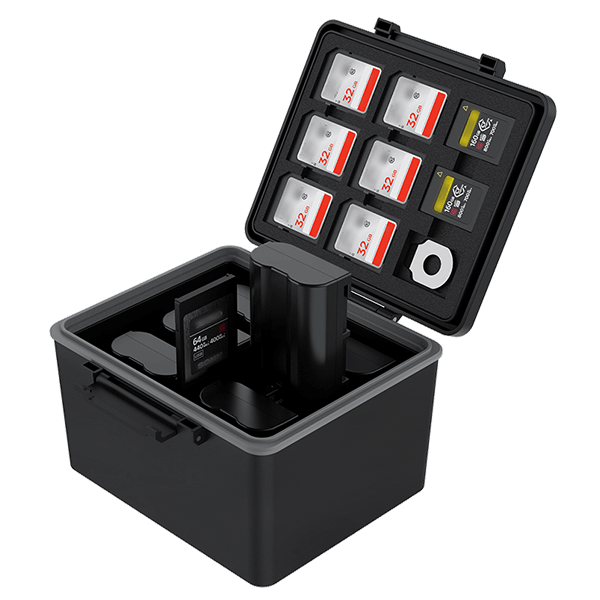
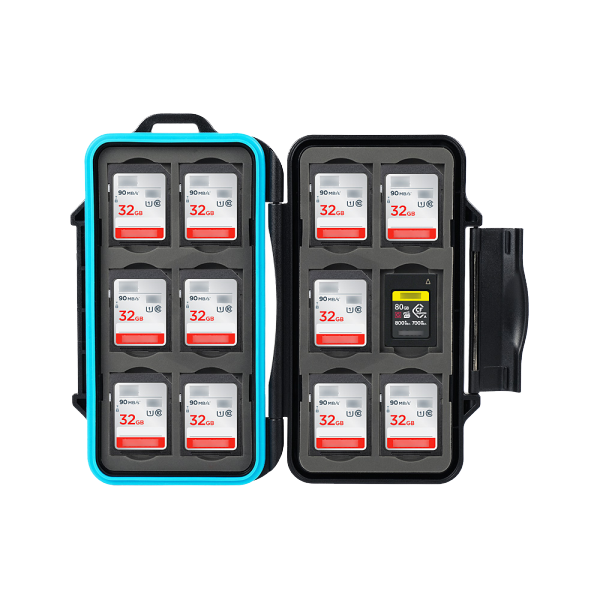
A single large card is convenient, but if it fails, your entire day’s work is lost. Two to three medium-sized cards spread out the risk. Always format them in the camera, not on the computer, and don’t delete individual images from the card—wait until after you’ve transferred them. Cards have a limited lifespan: If a card starts acting up, it should be replaced and not used any further.
Card readers
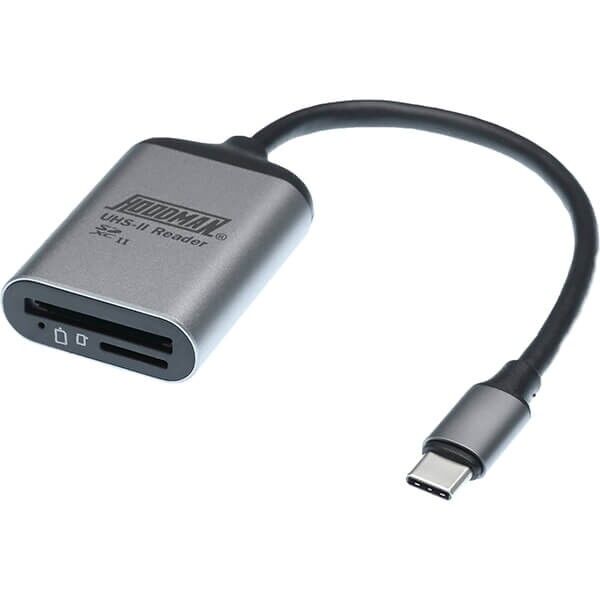
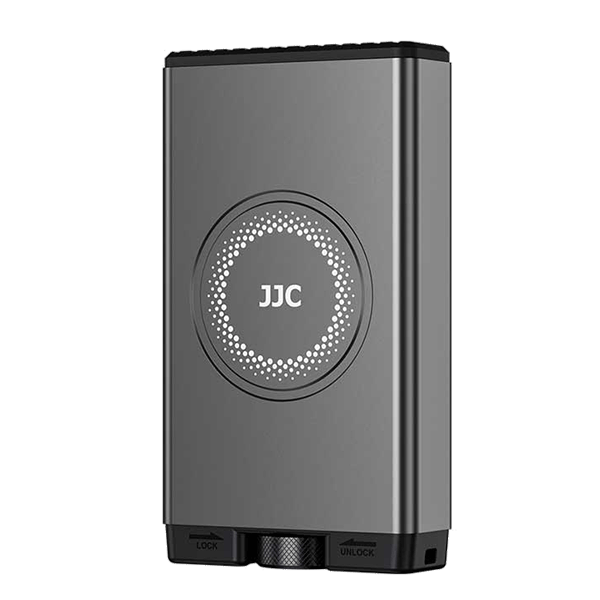
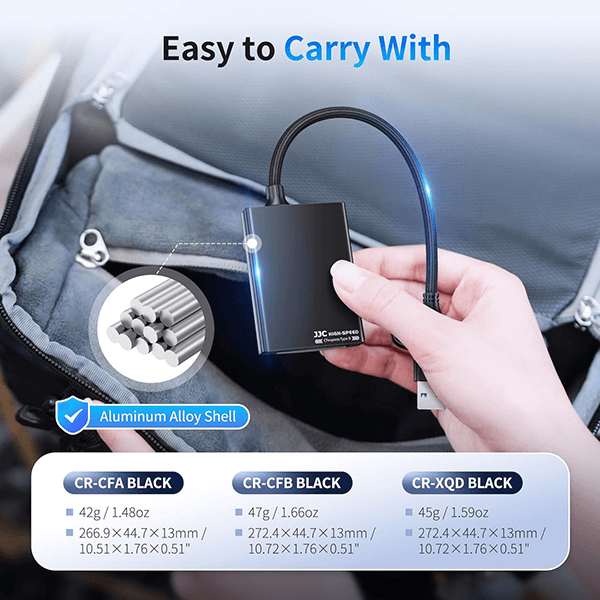
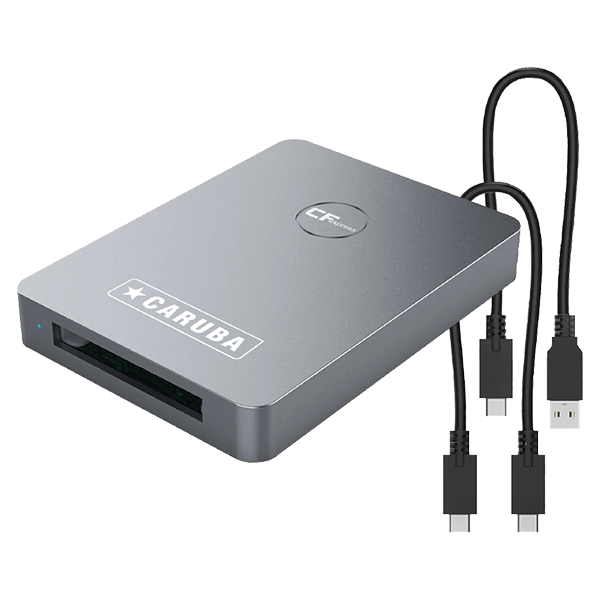
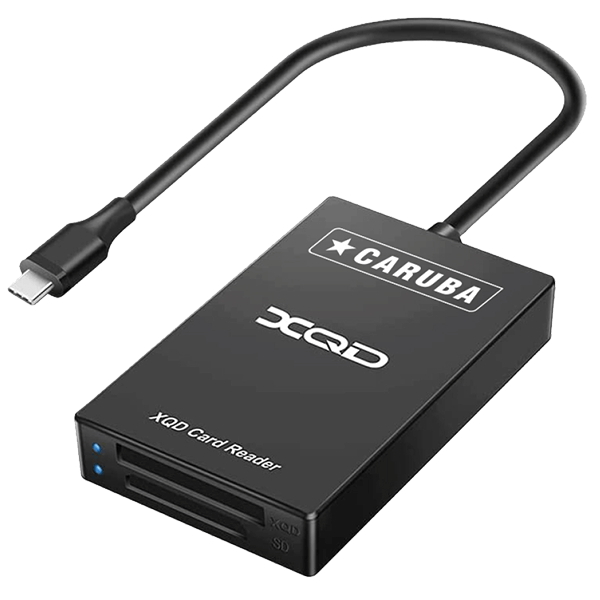
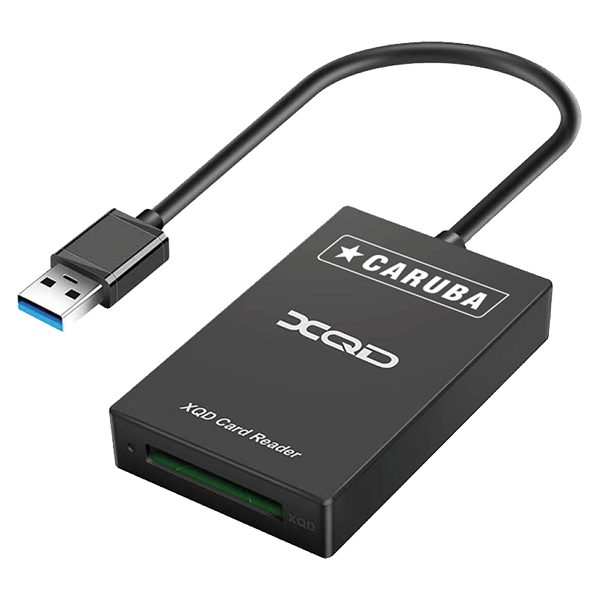
A card reader is almost always significantly faster than transferring data via the camera’s cable and also conserves the battery. It’s important to make sure the reader actually supports your card’s standard: A UHS-II card in a UHS-I reader will be as slow as a budget card. For XQD and CFexpress, you’ll need a compatible reader anyway, since the cards won’t physically fit into an SD slot.