
GODOX Xpro II instruction manual English: Master your flash unit like a pro!
Have you purchased the Godox Xpro II and are now looking for an instruction manual in English? Then you've come to the right place! In this article, we'll take you by the hand and guide you through the most important functions, settings and tips so that you can get the best out of your new flash unit. Whether you're a beginner or a pro, here you'll learn everything you need to know to take impressive photos.
The Englishinstructions as a pdf are linked directly to the respective product for download.
What is the Godox Xpro II?
An overview
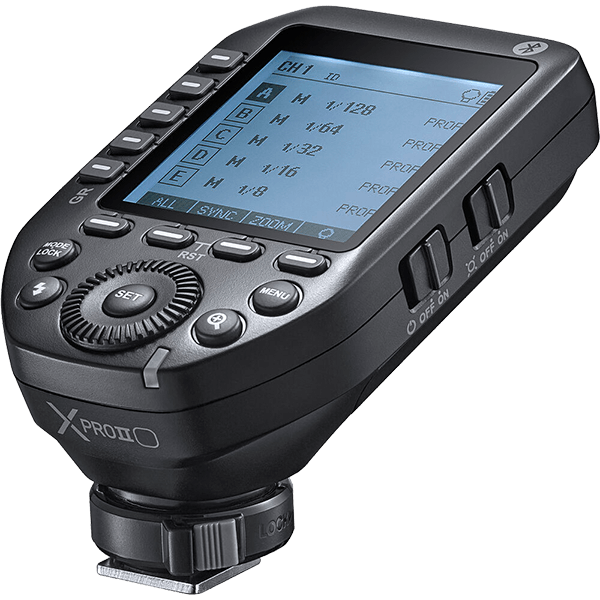
The Godox Xpro II is a sophisticated radio trigger for flash units that is equipped with TTL and HSS support. It is compatible with various camera brands such as Canon, Nikon, Sony, Fujifilm and more. With its advanced technology and user-friendly operation, it is aimed at both beginners and professional photographers. The Godox Xpro II instruction manual in English is an indispensable companion to fully understand and use the device.
Features in detail
The features of the Godox Xpro II are truly impressive:
- TTL and HSS support: TTL (Through-The-Lens) provides automatic exposure metering, while HSS (High-Speed Sync) allows you to shoot at higher shutter speeds.
- Large LCD display: Clearly displays all important information.
- Multifunctional rotary dial: Makes it easier to navigate through the menu.
- Group control: Up to five groups can be controlled individually.
- USB-C port: For firmware updates to always stay up to date.
These features make the Godox Xpro II one of the most powerful radio triggers on the market.
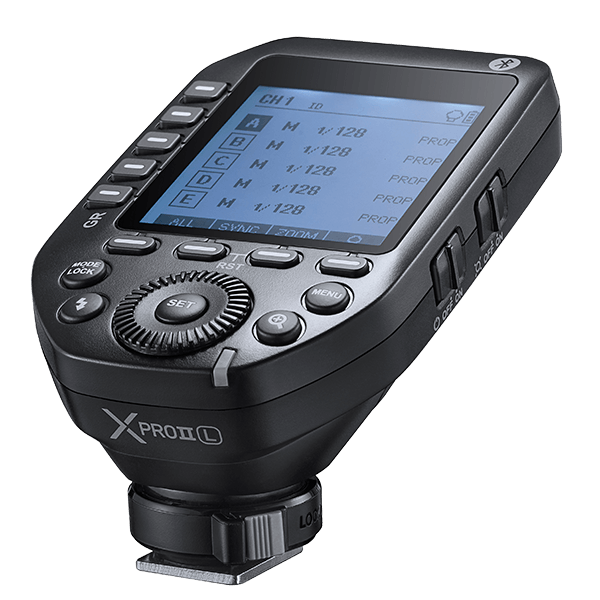
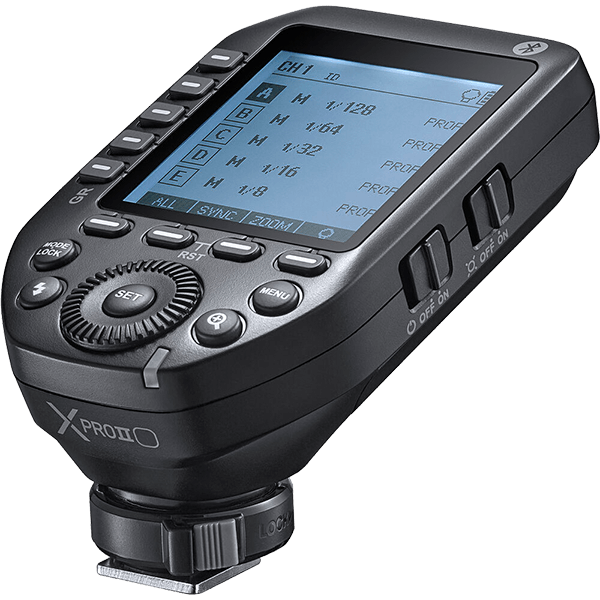
GODOX Xpro II Modelle
Unpacking and setting up
After you have unpacked your Godox Xpro II, the next step is to set it up properly. Don't worry, it's easy!
- Inserting the batteries: Open the battery compartment on the back and insert two AA batteries. Make sure to place the batteries correctly - plus and minus must be correct.
- Pair flash unit: Make sure that your flash unit is switched on and set to the same channel as the Godox Xpro II.
- Test triggering: Press the test button on the radio trigger to make sure that everything works. If your flash unit triggers, you are ready to go!
First settings
Before you get started, you should make some basic settings. The Godox Xpro II instruction manual in English will help you:
- Select channel: Select a channel that is not used by other devices in the vicinity to avoid interference.
- Select mode: Depending on your needs, you can switch between TTL, M (manual), or Multi (stroboscopic).
- Exposure compensation: Adjust the flash output to avoid over- or underexposure.
With these simple steps, you're all set for your first shots!
Advanced functions
Group control
One of the most powerful functions of the Godox Xpro II is the ability to control multiple flash units in groups. This is particularly useful if you want to master more complex lighting situations.
How it works:
- Create groups: Select a group (A, B, C, D, E) and add your flash unit.
- Adjust power: You can set the flash power individually for each group.
- Mode per group: You can even select the mode for each group separately - one group could work in TTL mode while another is in manual mode.
High-Speed Sync (HSS)
If you're shooting in a bright environment or want to freeze fast movements, HSS is essential. With the Godox Xpro II, you can use shutter speeds faster than your camera's flash sync speed.
- Enable HSS: Simply switch to HSS mode in the menu and select a shutter speed faster than 1/250 second.
- Adjust flash power: You may need to increase the flash power as faster shutter speeds allow less light through.
With HSS, you can take perfect pictures even in bright sunshine!
Tips and tricks
Firmware updates
It is important that you keep your Godox Xpro II up to date. Regular firmware updates improve performance and fix possible bugs.
- Download firmware: Visit the official Godox website and download the latest firmware.
- USB-C connection: Connect the Godox Xpro II to your computer via the USB-C port.
- Update: Follow the on-screen instructions to install the update.
Troubleshooting
If you are having problems with your Godox Xpro II, there are a few simple steps you can try:
- Check batteries: Dead batteries can cause malfunctions. Replace them if necessary.
- Check channel: Make sure that both the radio trigger and the flash unit are on the same channel.
- Check firmware: Make sure that the latest firmware is installed.
If none of this helps, take a look at the Godox Xpro II user manual in English or contact the dealer from whom you purchased the transmitter.