
Cleaning and Care
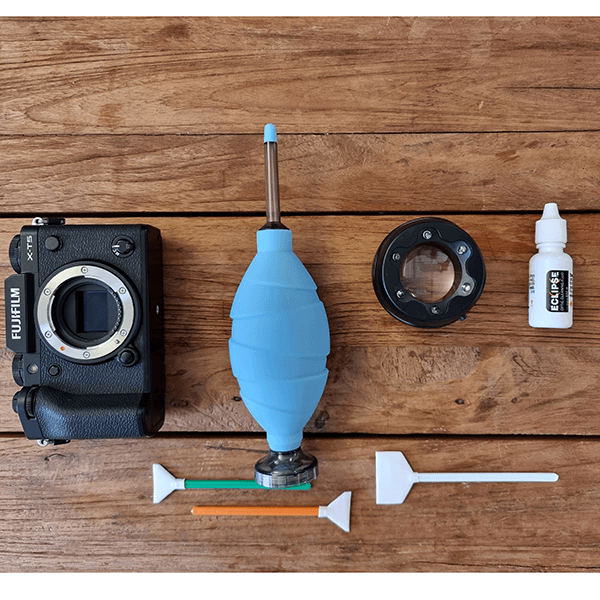
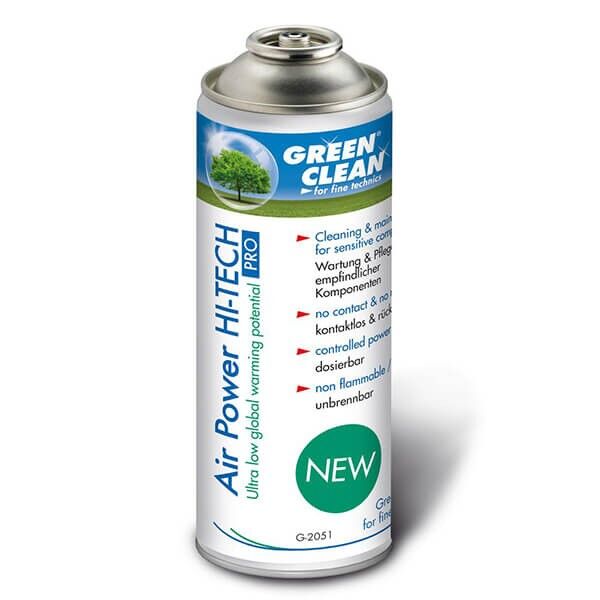
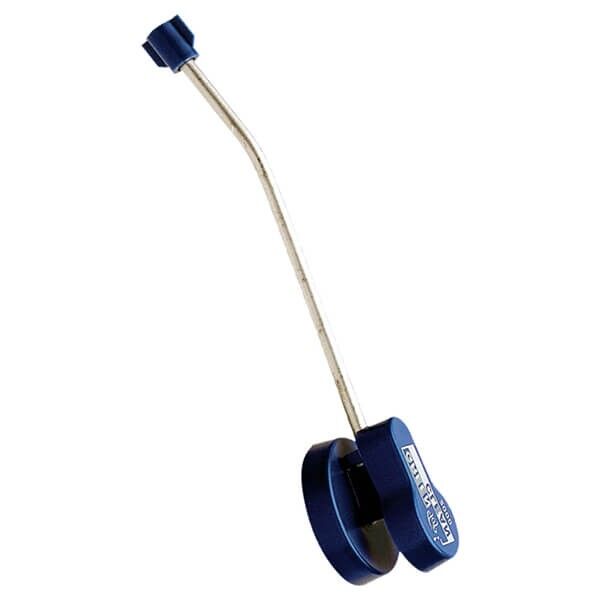
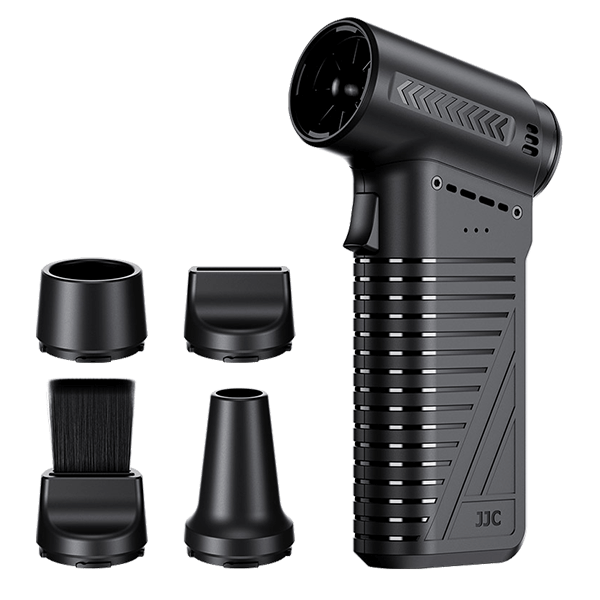
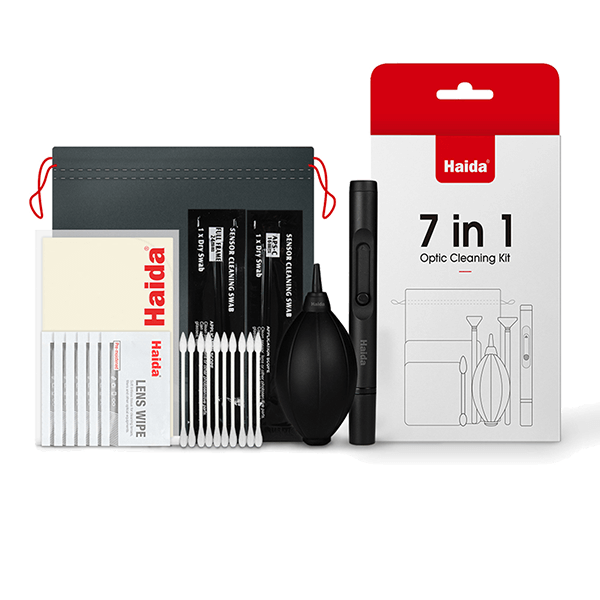
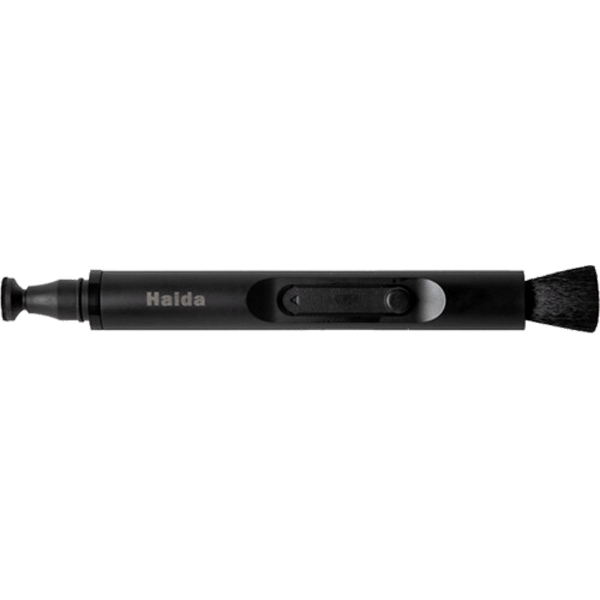
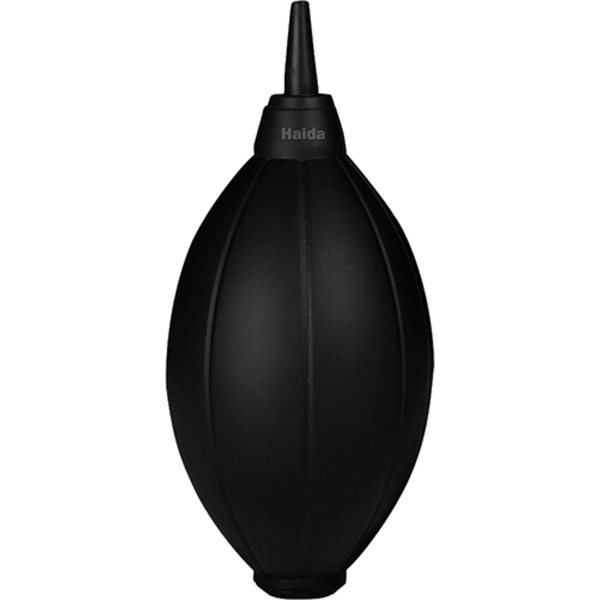
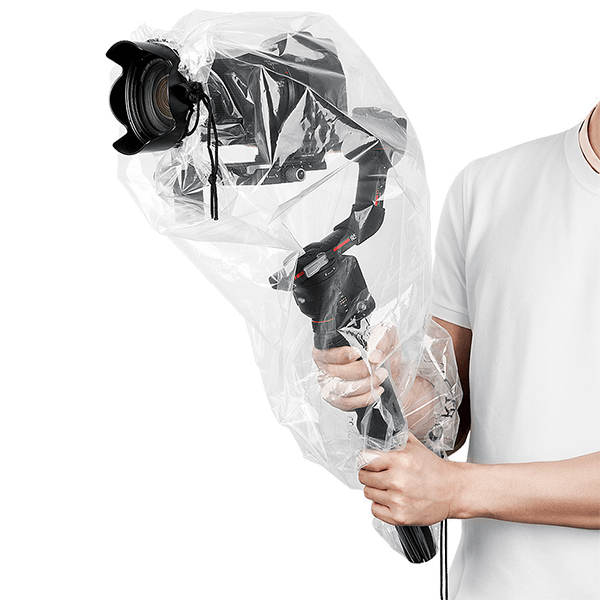
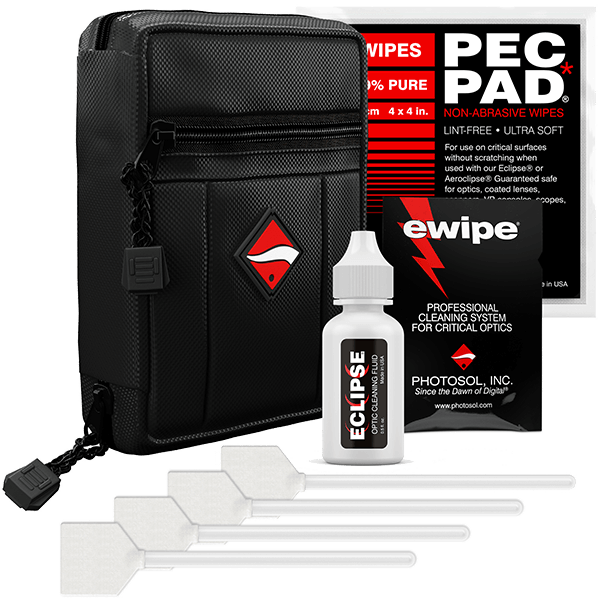
When cleaning optics, the rule is: as little as possible, but do it right. The wrong tool causes more damage than the dust it’s supposed to remove. Here you’ll find air blowers, brushes, microfiber cloths, cleaning solution, and sensor swabs in the appropriate sensor sizes.




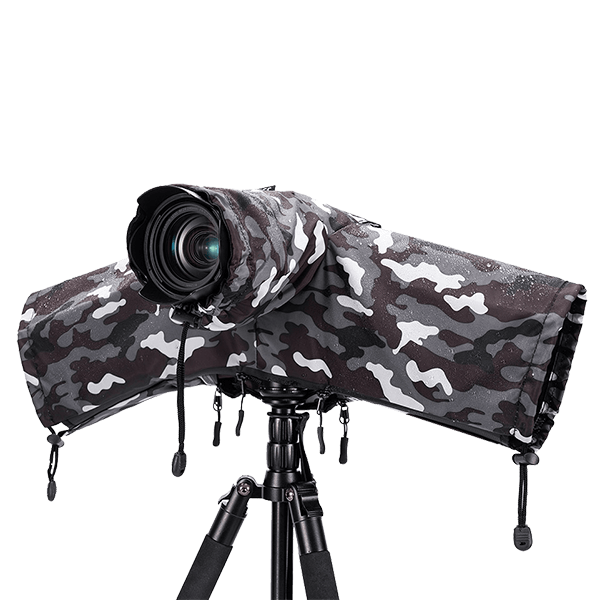
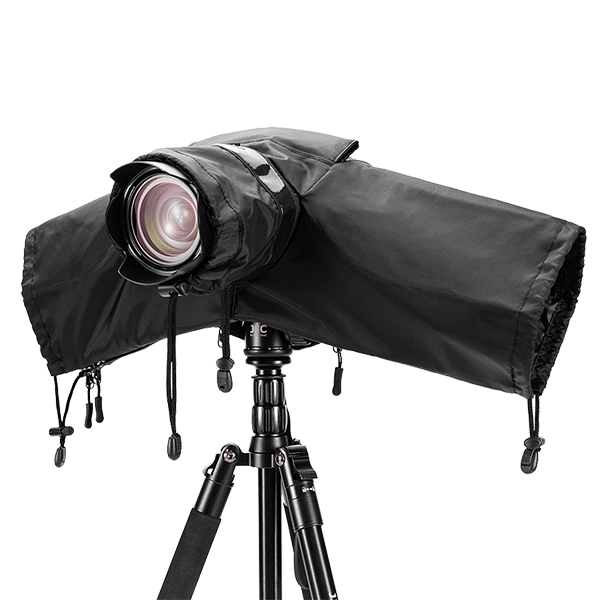


Clean Properly Without Damaging Anything
The order is crucial because each step means more contact with the glass. Always start with the gentlest step.
Lens: Four Steps
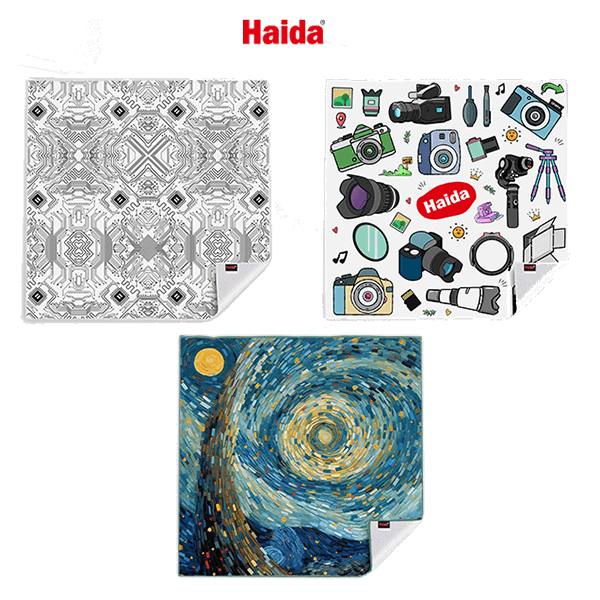
First, use a blow-duster: Loose dust particles are blown away without being smeared across the glass. This is the most important step, because a grain of sand trapped under the cloth will scratch the coating. Next, use a soft brush for any residue that remains. Only for fingerprints or splashes should you use the microfiber cloth, with a drop of cleaning solution on the cloth—never directly on the glass. Wipe in a spiral motion from the center outward.
Things that have no place on the glass: shirttails, paper tissues, and eyeglass cleaning wipes from the supermarket. They contain fibers and additives that damage the coating. This layer is only a few micrometers thick, and once it’s gone, it’s gone for good.
Sensor: Check First, Then Act
Here’s how to find out if your sensor has dust: Take a photo of a uniformly bright surface, such as the sky, at an aperture of f/16 to f/22 with the camera slightly moved. Dark spots that appear in the same place in multiple photos are sensor dust. Spots that shift when you zoom, on the other hand, are on the lens.
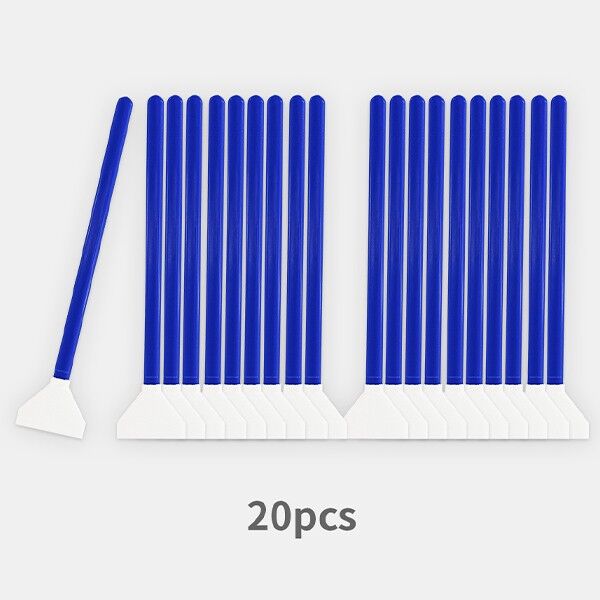
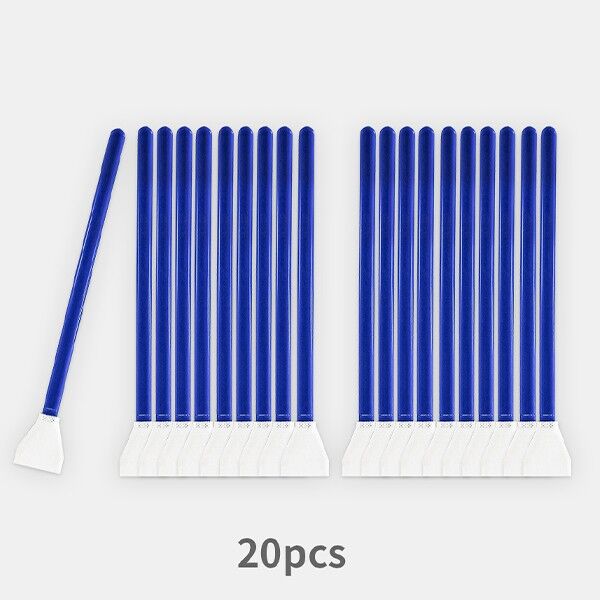
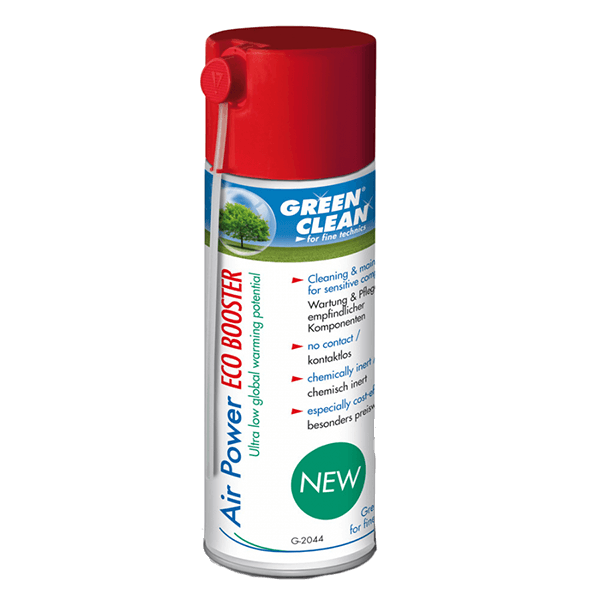
In many cases, simply using a blower while holding the camera upside down with the mirror flipped up—or in cleaning mode—is sufficient. Important: Never use compressed air from a can—the propellant can end up on the sensor as a liquid. If spots remain, use sensor swabs in the appropriate width for your sensor size, with a few drops of cleaning fluid: one swipe forward, flip it over, one swipe back, then discard the swab. Each swab is used only once.
If you don’t feel confident doing this yourself, take the camera in for service. A scratch on the filter glass in front of the sensor costs more than any cleaning session.
Prevention is easier
Change lenses with the camera facing down, away from the wind, and not on the beach. Turn off the camera while doing so—the sensor carries a static charge when in use and attracts dust. A body cap and rear cap should go back in your bag as soon as you change lenses on the go.